 Beckonbird Chat Button
What the plugin does with your number
Under Beckonbird → Settings → Buttons, type the number in the WhatsApp row. The plugin saves it with a plus and the country code, and builds the link from it: https://wa.me/ followed by the digits. Try it below with your own number and see what would be saved.
Build the link and see what the plugin saves
Pick a channel, paste a number, a name or an address, and see exactly what Beckonbird would save and which link it would draw. Nothing you type leaves this page.
What a visitor gets
A tap or a click on the button opens a new tab on wa.me, and WhatsApp takes it from there: the app on a phone, or WhatsApp Web or the desktop app on a computer. The plugin does not put a chat window inside your page, and it does not talk to WhatsApp itself. It only hands the visitor a link.
Why no script matters
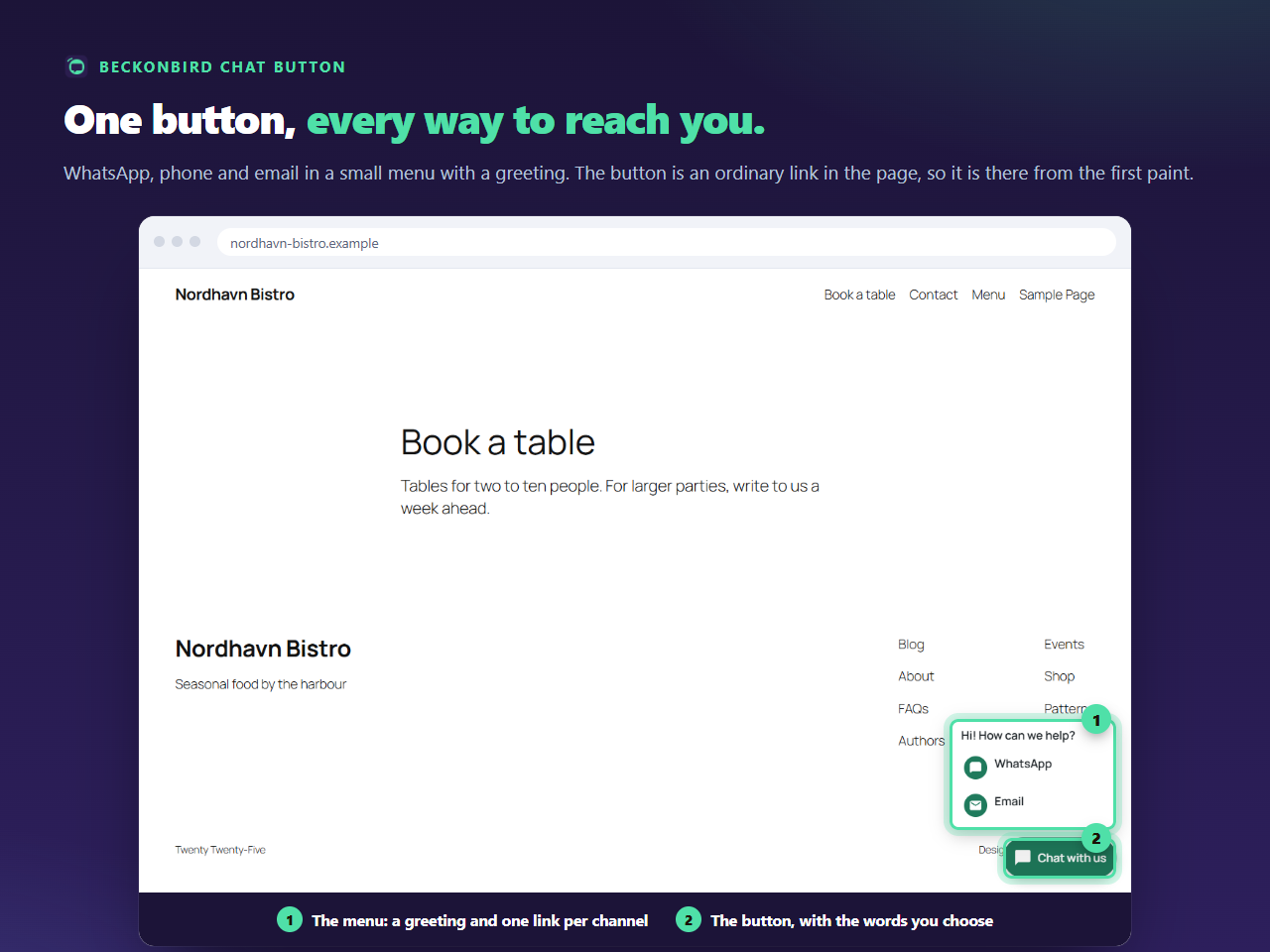
A button that is drawn by JavaScript needs that script to arrive first. Speed plugins that delay or combine scripts can delay such a button, or lose it. A link in the page has nothing to wait for. If you use only one channel, the whole button is that single link; with several, it opens a small menu using the browser’s own <details> element, again without a script.
One limit to know
The link needs a real WhatsApp number or a WhatsApp Business short link. The plugin refuses anything it cannot turn into a working link, and keeps your old value, rather than saving a link that goes nowhere. How the link is written, and why the country code is needed, is a page of its own.