 Beckonbird Chat Button
What you see
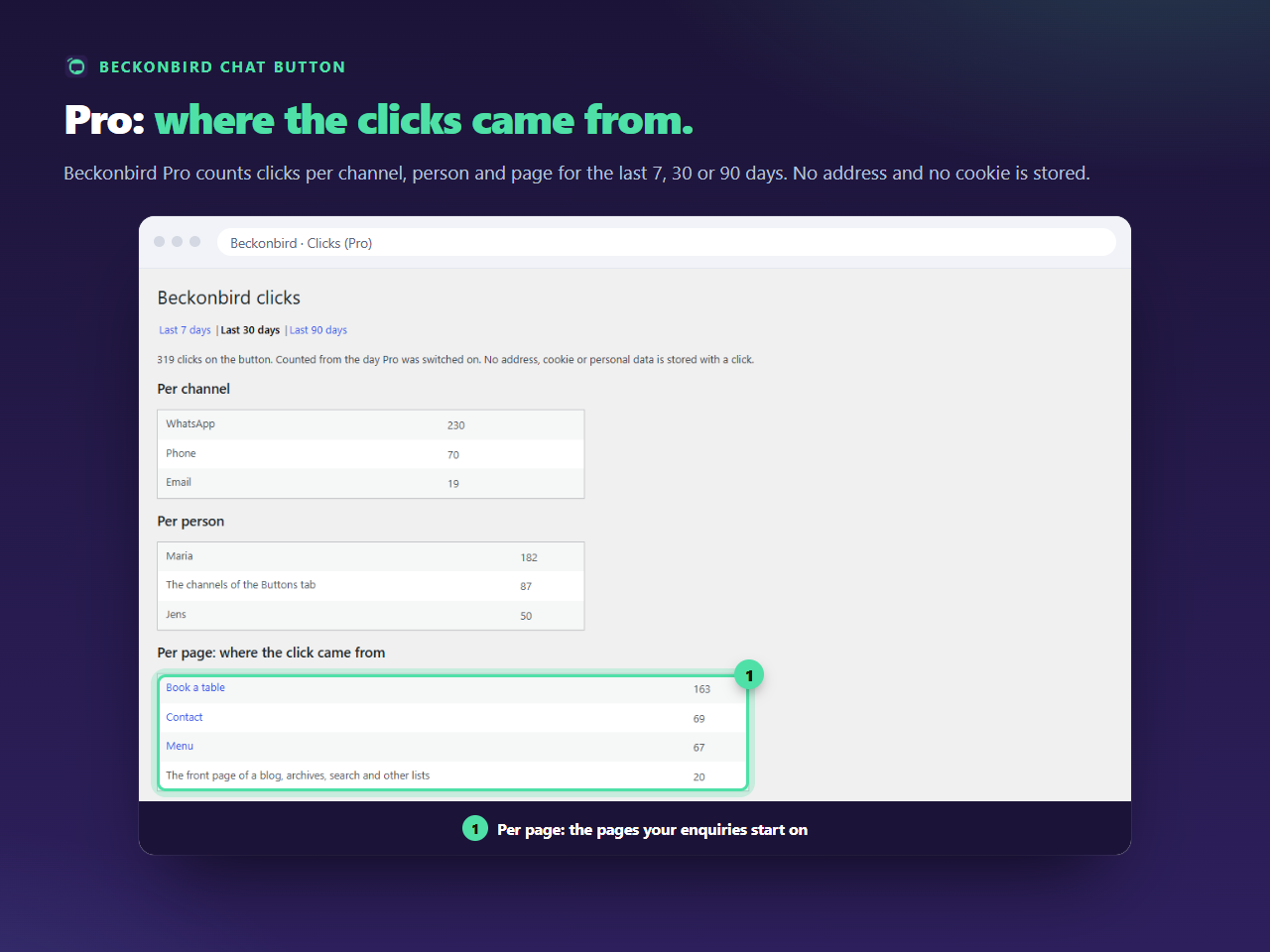
A total, then three tables. Per channel says whether people prefer WhatsApp, the phone or email. Per person says who gets the clicks, or The channels of the Buttons tab for lines that are not a person. Per page: where the click came from says which pages made people reach for the button. Lists such as the blog page, archives and search results are grouped on one row.
What is stored
One counter for each combination of day, channel, person and page, kept in a table of your own database. Not an IP address, not a cookie, not the browser’s details, and nothing about who the visitor is. Rows older than 365 days are removed.
What is not counted
Clicks from robots and link checkers, which are recognised by the name they give themselves, and any report of a channel or a person the button does not have on that page, or from a page that is not public. And a click that cannot be counted, say because the visitor’s connection drops, never stops the link from opening: the count is sent alongside it, and the link always wins.
A click is not a lead
The count is of taps on the button, not of conversations started, and not of people. One visitor who taps twice counts twice. It tells you which pages and channels draw the taps, which is what you need to decide where the button earns its place.
Without Pro
The free plugin can send each click to Google Analytics as an event, as the Analytics guide shows. Pro’s count is separate: it keeps working when analytics is blocked, and it needs no account anywhere. See the pricing page for what Pro costs.