 Beckonbird Chat Button
If the banner covers the button
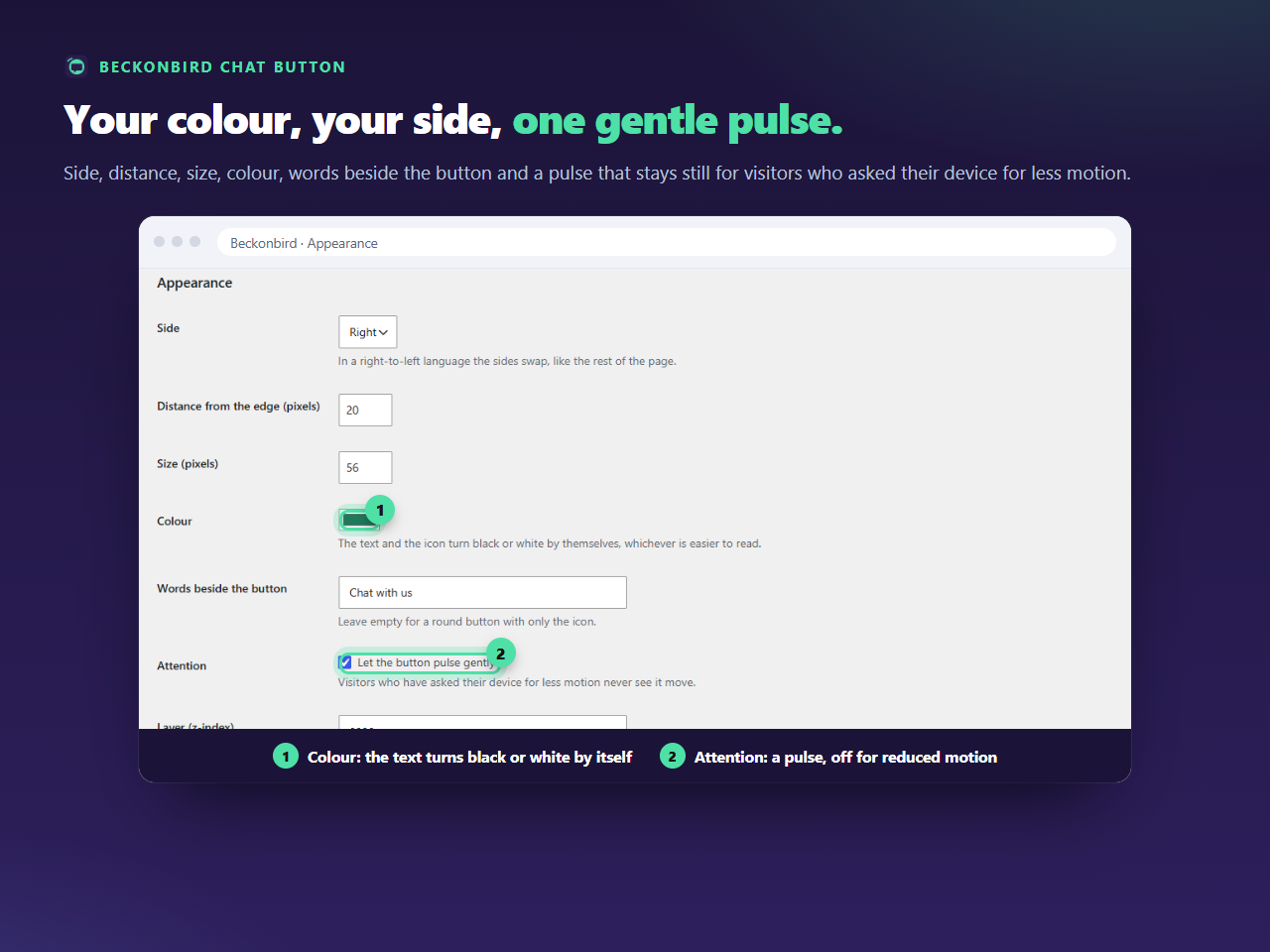
That is the normal state until the visitor has answered the banner. It is usually the right one, and the button is there again as soon as it is gone. If you would rather lift the button clear of the banner, raise Distance from the edge on the Appearance tab, up to 200 pixels, instead of changing the layer.
If something else covers the button
A sticky header, a theme’s menu or a slider with a high layer may sit over it. Raise Layer (z-index), for instance to 99999, and save. Any whole number from 0 up to 2147483646 is accepted.
If the button covers something
Lower it. A modal window, a lightbox or an image gallery should be above the button while it is open, and if yours is not, a number below the one that thing uses puts the button underneath it.
How to find the other number
Open the page, use your browser’s inspector on the element that is in the way and look for z-index in its style. Then choose a number below it to go under, or above it to go over.
Mind the banner’s own buttons
A button placed over a banner can cover the banner’s own accept and reject buttons. A consent banner that cannot be answered is worse than a hidden chat button, so check the page on a phone before you save a very high number.