 Beckonbird Chat Button
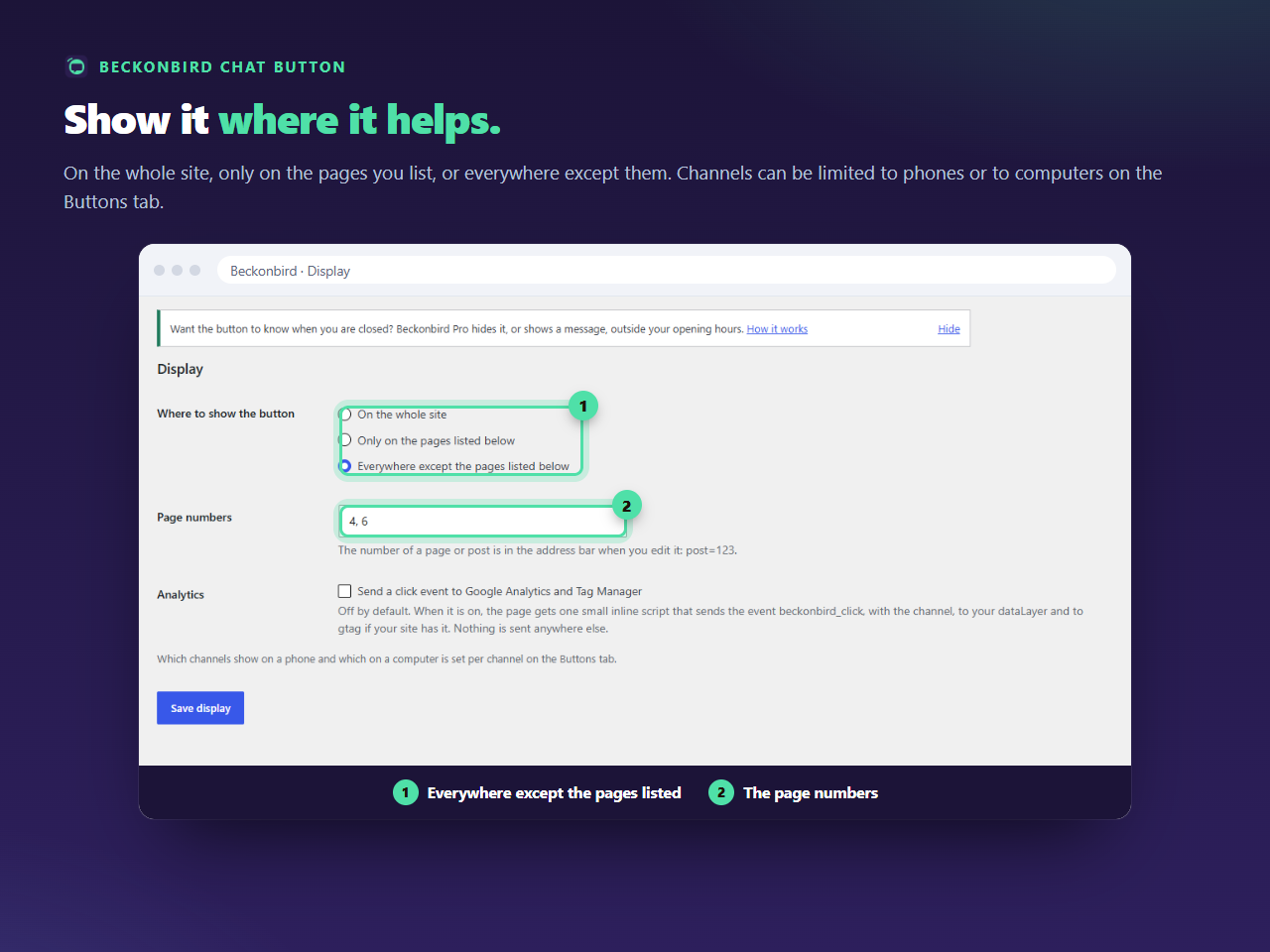
Finding a page number
Edit the page and look at the address bar: post=123. The number is 123. It is the same for a page, a post or a product, because every one of them is a post to WordPress. Write them as 4, 6, 123. You can list up to 100 numbers.
Typical pages to leave it off
A checkout, where nothing should pull a buyer away; a landing page with its own form; a thank-you page; a page where a cookie notice or a pop-up already fills the corner. The button is a way to start a conversation, and some pages are not the place for one.
What about archives
Pages that are lists, such as a category, a tag, a date archive, or the results of a search, have no single number, so they cannot be listed. With Everywhere except they always show the button. If you need it gone from all of them, use the opposite setting and name the pages where it should be.
The posts page and the front page
If you have set a page as your front page or as the page that lists your posts, it has a number like any other and can be listed. The plugin uses the number of the page WordPress is showing at that moment.
Pages that show no button at all
Feeds and embeds never get it, and neither does the admin. If the button is hidden everywhere and you did not mean it to be, check that at least one channel on the Buttons tab has a value, because with none the plugin draws nothing, and loads nothing either.