 Beckonbird Chat Button
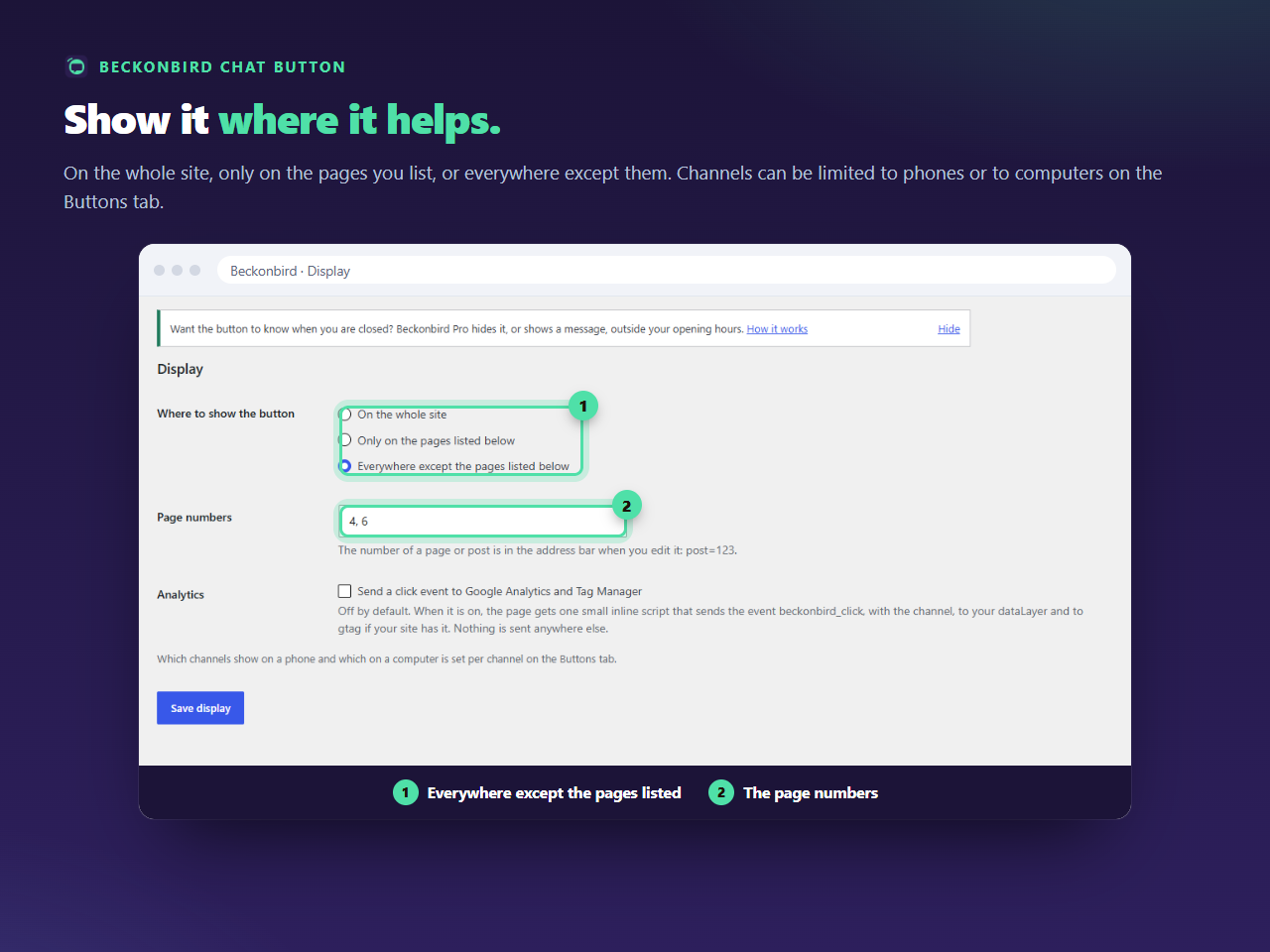
When this is the better choice
If you want the button on five pages out of two hundred, it is easier to name the five than to list the hundred and ninety-five. A site with a contact page, a booking page and a few services often wants it exactly there, and nowhere that would feel pushy.
How the pages are named
By number, separated by commas. The number is in the address bar when you edit the page: post=123. The list can hold up to 100 pages, and a number that does not belong to anything is simply never matched.
What is left out
Everything that does not have a number of its own: category and tag pages, date archives, search results, the 404 page. With this setting none of those shows the button. If you want a category page to have it, that is the case for On the whole site, together with a short list of exceptions.
The page is not cached any differently
The button is either in a page’s HTML or it is not, so a caching plugin treats it like any other part of the page. After a change in this list, clear the cache once, and the pages you added or removed will follow.
Mind the front page
If your home page is a static page, give its number as well, otherwise the button is not there where most visitors arrive. It is the page people most often forget.