 Beckonbird Chat Button
Where each setting is
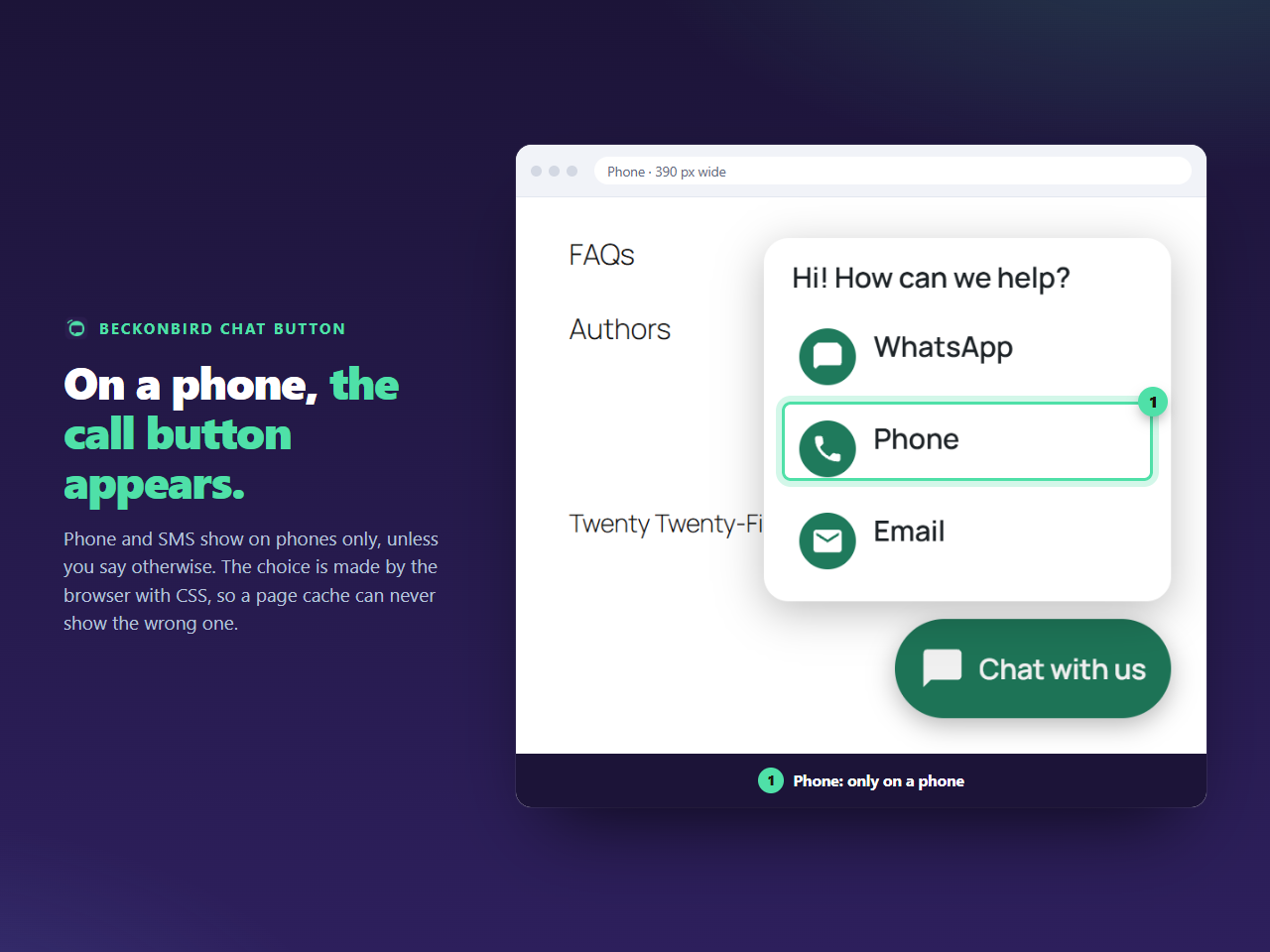
Open Beckonbird → Settings → Buttons. Type your number in the Phone row. Phone already starts as Phones only, so there is nothing else to change. Leave the other rows empty: an empty row is a channel that is switched off.
What happens on a computer
When every channel in the button is set to phones only, the plugin gives the whole button the same rule, so no empty button or lonely menu is left behind on a computer. The markup is still in the page, which is what lets a cached copy of the page serve both kinds of visitor, but CSS keeps it out of sight.
Mixed buttons
If you add WhatsApp or Email as well, the button shows on computers too, with the Phone line left out of the menu there. That is the arrangement most small sites want: WhatsApp on a computer, a call on a phone.
Size and position on a small screen
On the Appearance tab you can set the size between 40 and 96 pixels and the distance from the edge between 0 and 200. On a phone a thumb reaches the lower corners best, which is where the button sits, and moving it to the left is one setting. The text and the icon turn black or white by themselves, whichever reads better on your colour.