 Beckonbird Chat Button
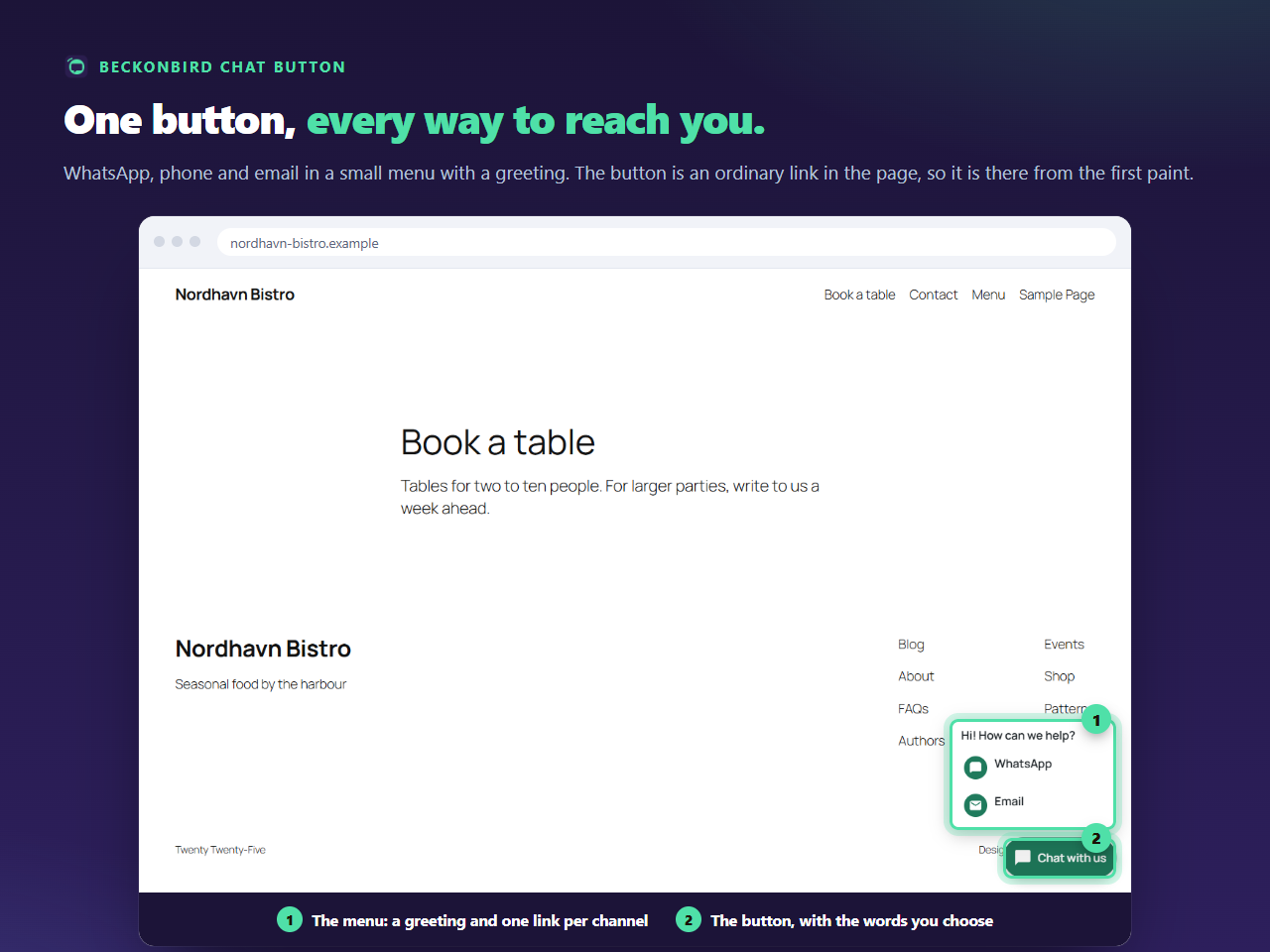
What is in the menu
Each line has an icon, the channel’s name and a link. The greeting reads Hi! How can we help? until you change it, can be up to 140 characters, and can be left empty for none. The order column decides which line is first. The button itself can carry words, up to 40 characters, set on the Appearance tab; without words it is a round icon, and screen readers are told it is Contact us.
How it opens without a script
The menu is the browser’s own <details> and <summary>: the button is the summary, and the menu is what it reveals. A click, a tap, or the Enter or Space key opens and closes it, and the menu works the same with scripts blocked or delayed.
Eight channels to pick from
WhatsApp, Phone, SMS, Telegram, Viber, Messenger, Email and a link of your own. Each has one row, so the menu can hold up to eight lines. You do not need all of them: a restaurant might choose WhatsApp, Phone and Email, an online agency Telegram and Email.
Keep it short
A menu with two or three lines gets used. Eight lines is a form of its own. Phone and SMS only appear on phones until you say otherwise, so on a computer the menu is shorter than on a phone, which is usually what you want. Pro adds lines for named people, each with their own channel.